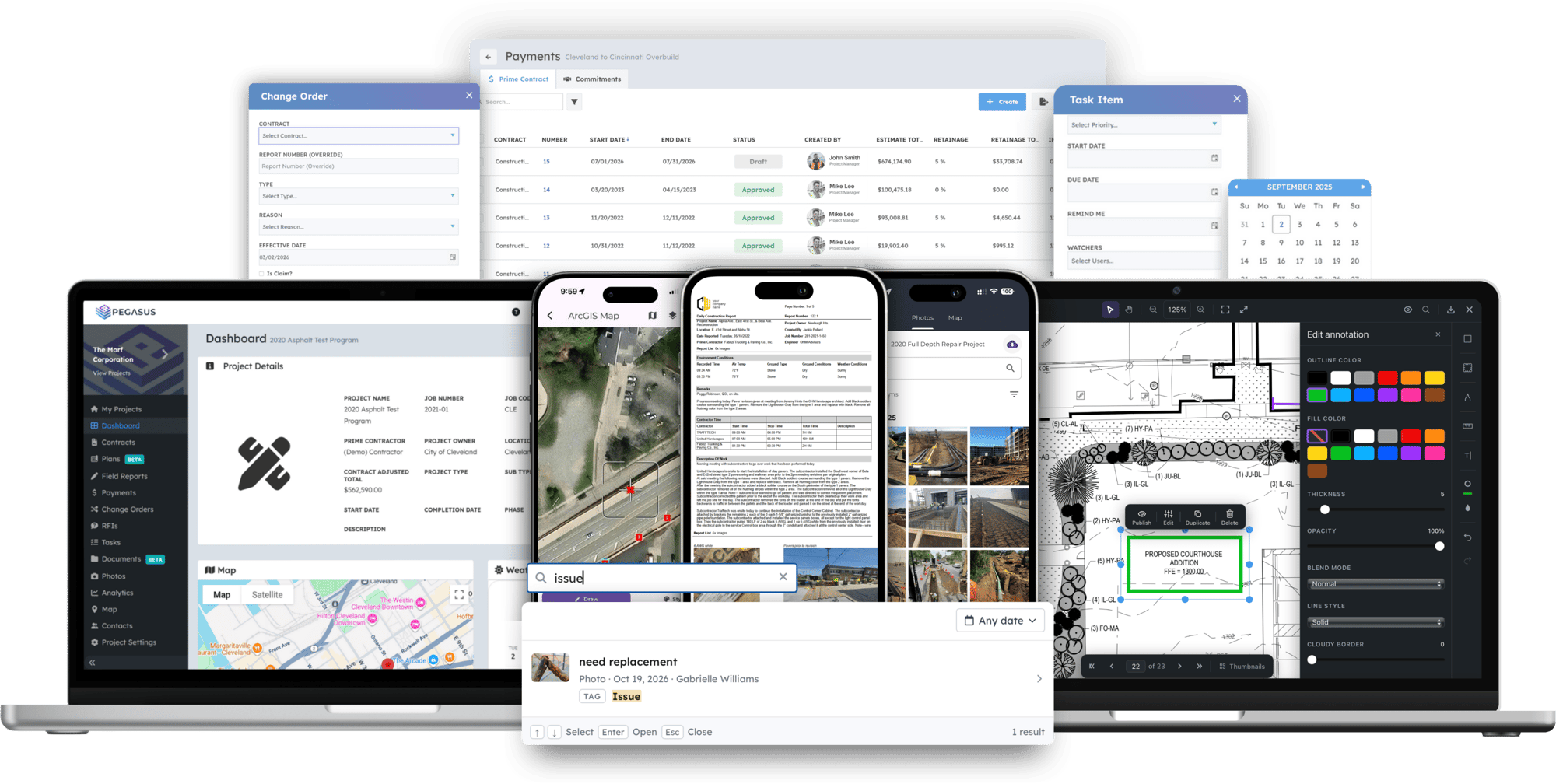
Public infrastructure projects generate a lot of information: daily reports, photos, contractor activity, completed quantities, change orders, and payment estimates. When that information is stored in separate places, it can be difficult to see the full picture.
Pegasus brings construction inspection and contract administration together in one platform. Inspectors document work in the field. Project managers and engineers review project activity. Department leaders can see project status, project costs, and supporting documentation.
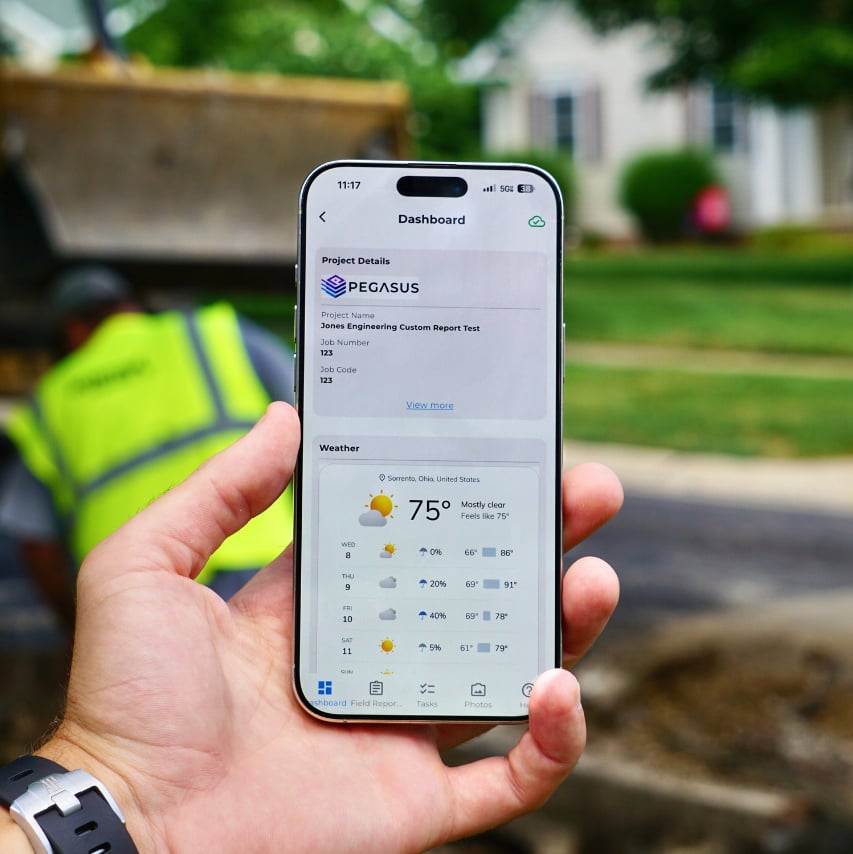
Here is a simplified example of how a city or county engineering department could use Pegasus on a roadway or utility project.
This is an illustrative example using demonstration data. Actual workflows, permissions, and available features may vary.
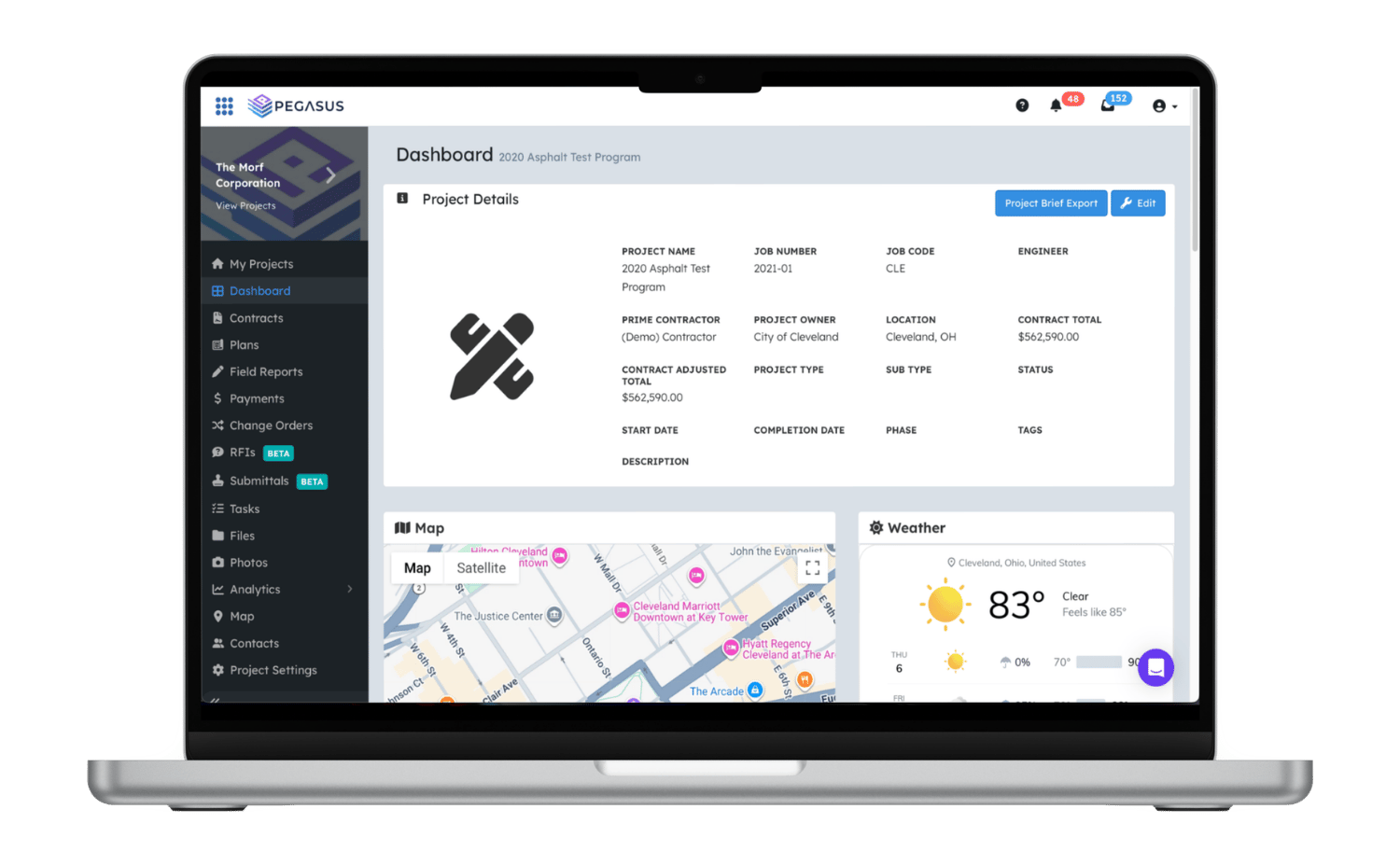
Add the project, contract information, bid items, team members, and project documents.
Pegasus gives your team a central place to organize the information needed to manage the project.
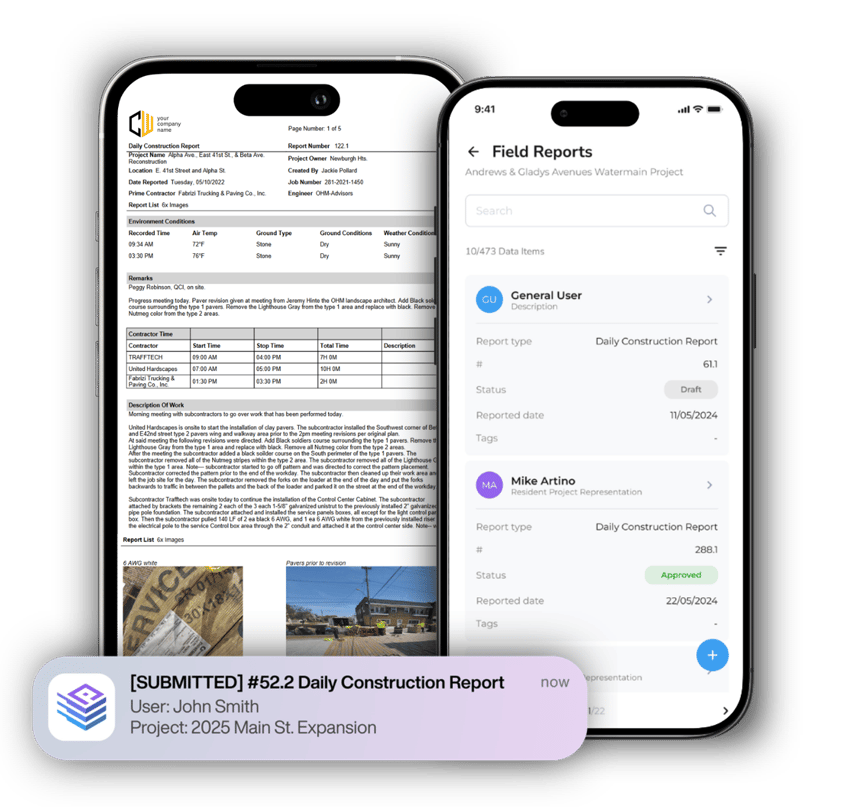
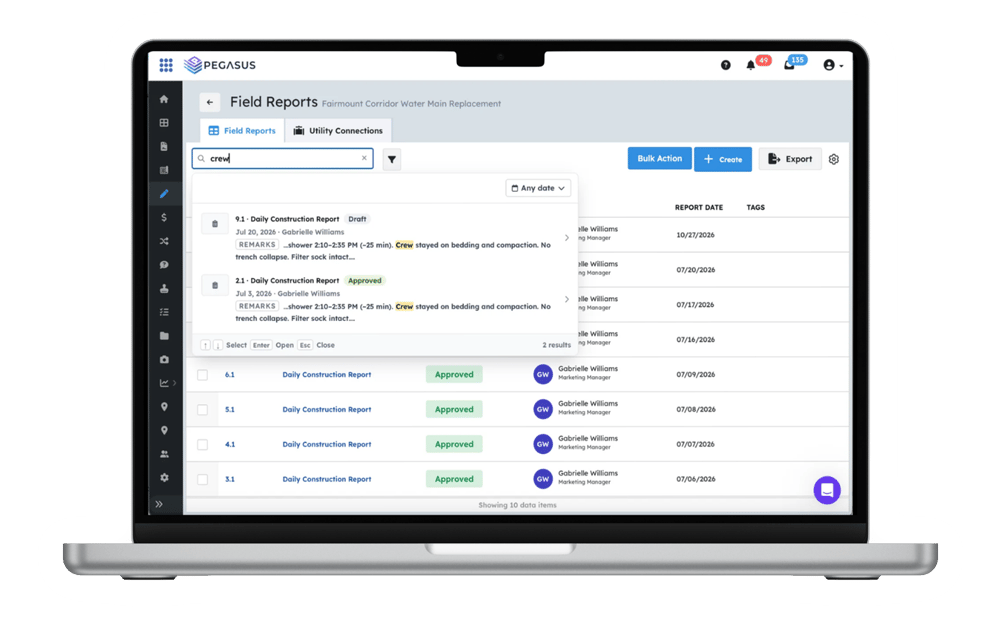
Inspectors record daily production and project conditions, including contractor equipment, workforce, materials, observations, photos, site conditions, and weather.
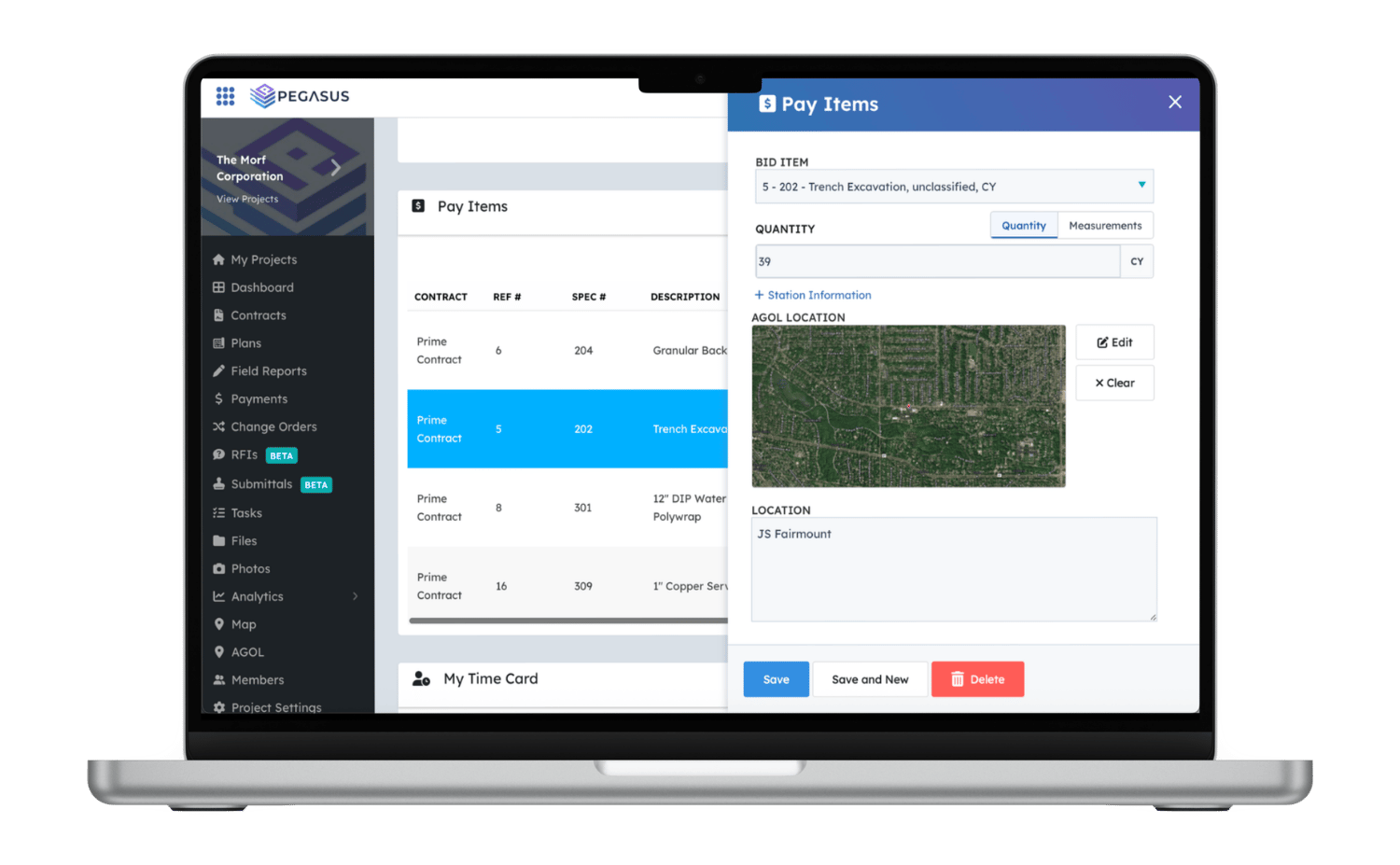
They can also record paid bid quantities as work is completed.
As inspectors enter measured quantities for contract bid items, Pegasus updates the project’s financial record.
The platform can show the percentage of work complete by item and the overall contract value.
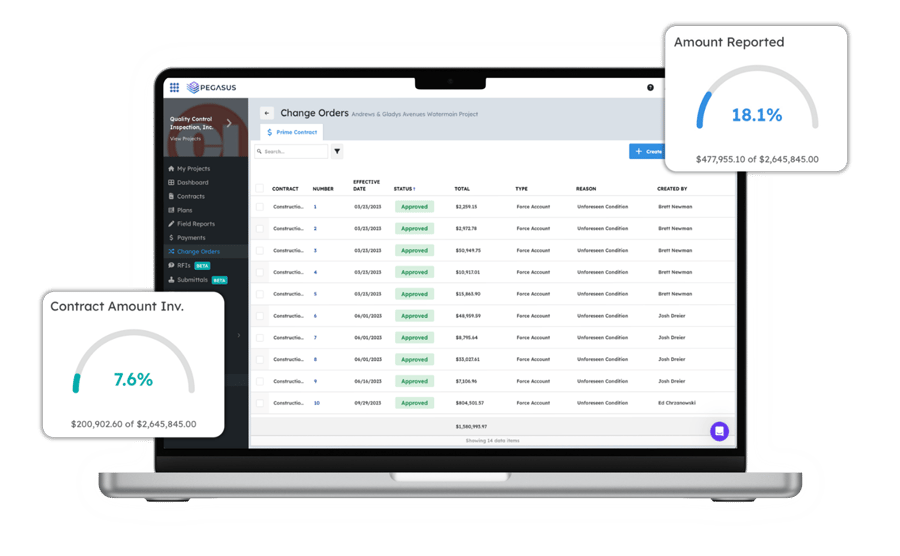
Once a daily construction report is approved, Pegasus automatically updates the project financial record and helps automate payment estimate generation.
Project managers and engineers can review the supporting information before payment applications move forward.
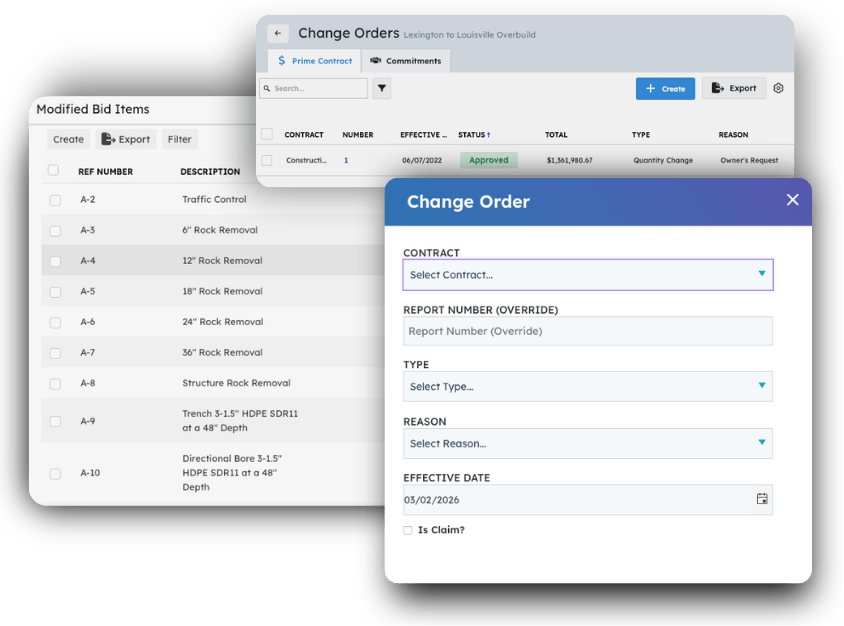
When project conditions change, staff can document time and material work through a daily construction report. Teams can also add a change order and create new items to track the work defined under that change.
Daily reports, photos, documents, quantities, and payment records remain connected to the project. That makes it easier to locate information when questions arise during construction or after a project is complete.
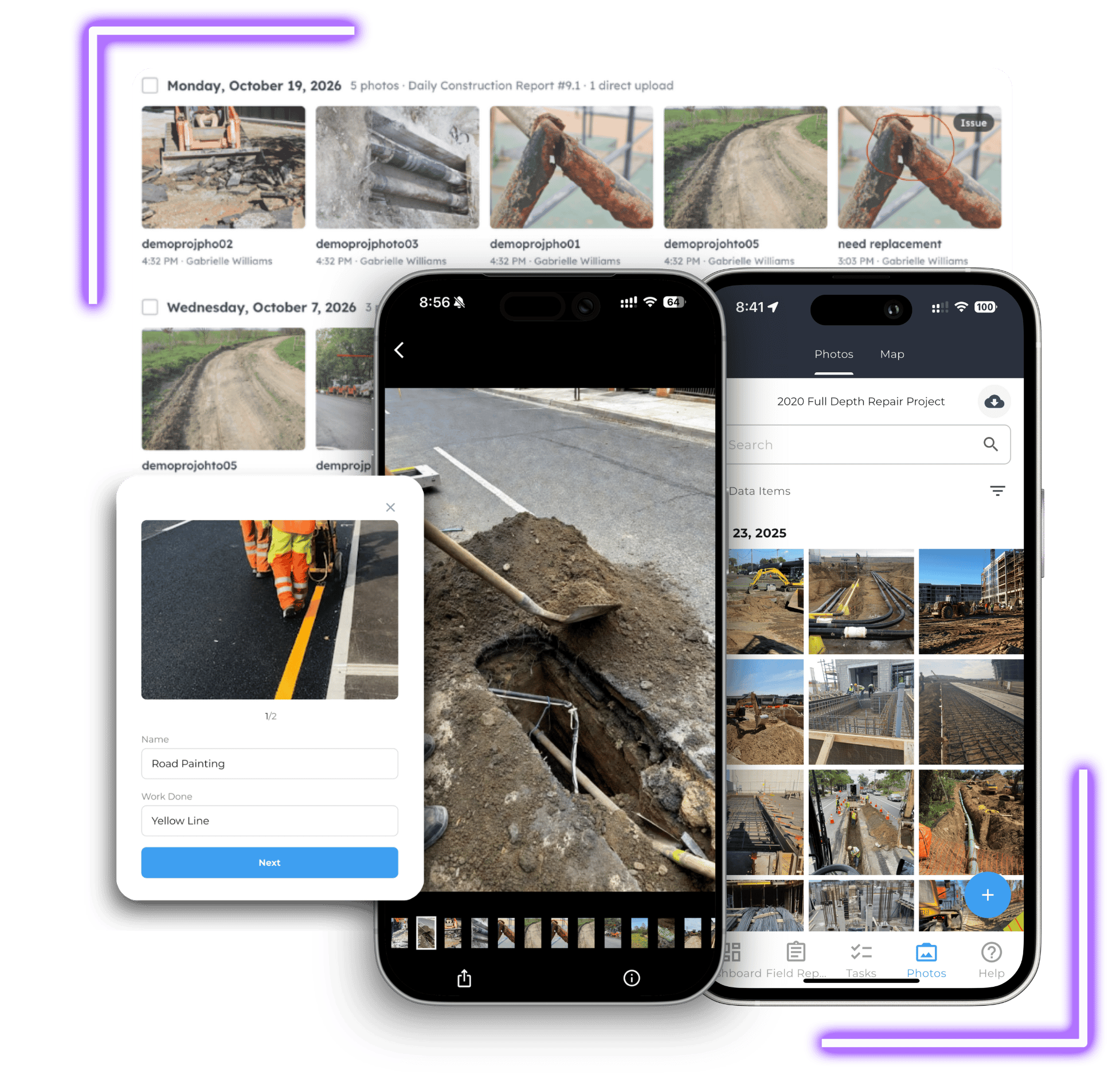
From roadway improvements and underground utilities to parks, trails, and fiber installations, Pegasus helps teams document work, track progress, and maintain project records.
Pegasus supports construction inspection and contract administration for projects that involve public infrastructure, underground utilities, and community improvements.
Road resurfacing and reconstruction
New road construction and subdivision infrastructure
Water mains
Sanitary and storm sewers
Sidewalks and curbs
Bridges
Parks, trails, and nature preserves
Right-of-way permit inspections
Fiber line projects
Pegasus has completed a SOC 2 Type II audit. The platform is designed to help public agencies and engineering teams maintain organized, secure project records.
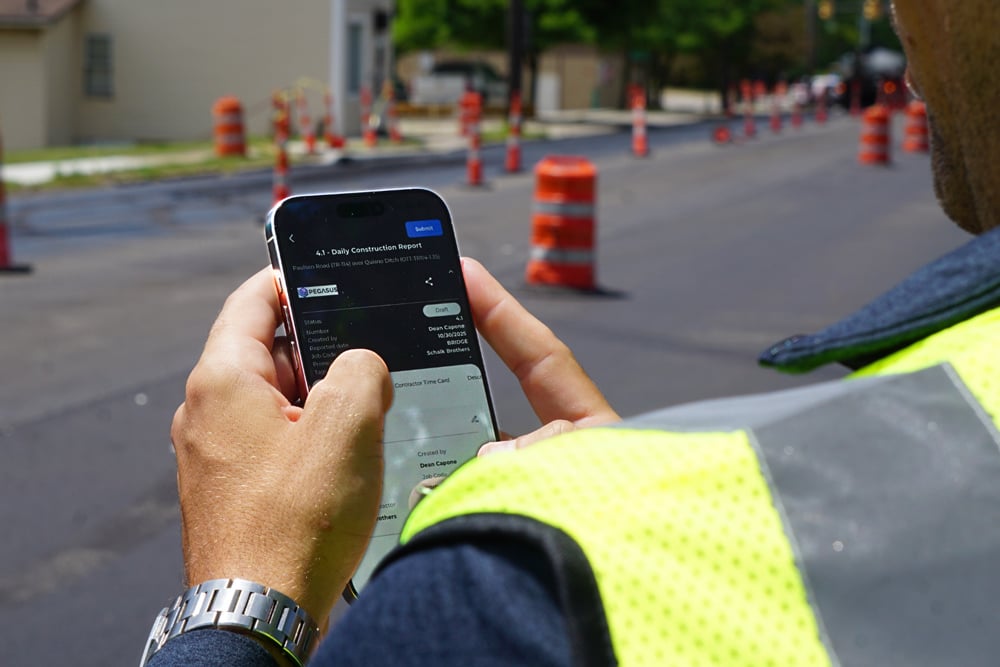
Book a personalized demonstration to see how Pegasus can support your team’s daily reporting, quantity tracking, payment estimates, and project oversight.